A strategy game is not only code and rules.
It is also icons, unit sprites, terrain images, map textures, building symbols, technology art, sounds, music, overlays, and small visual markers that tell the player what is happening.
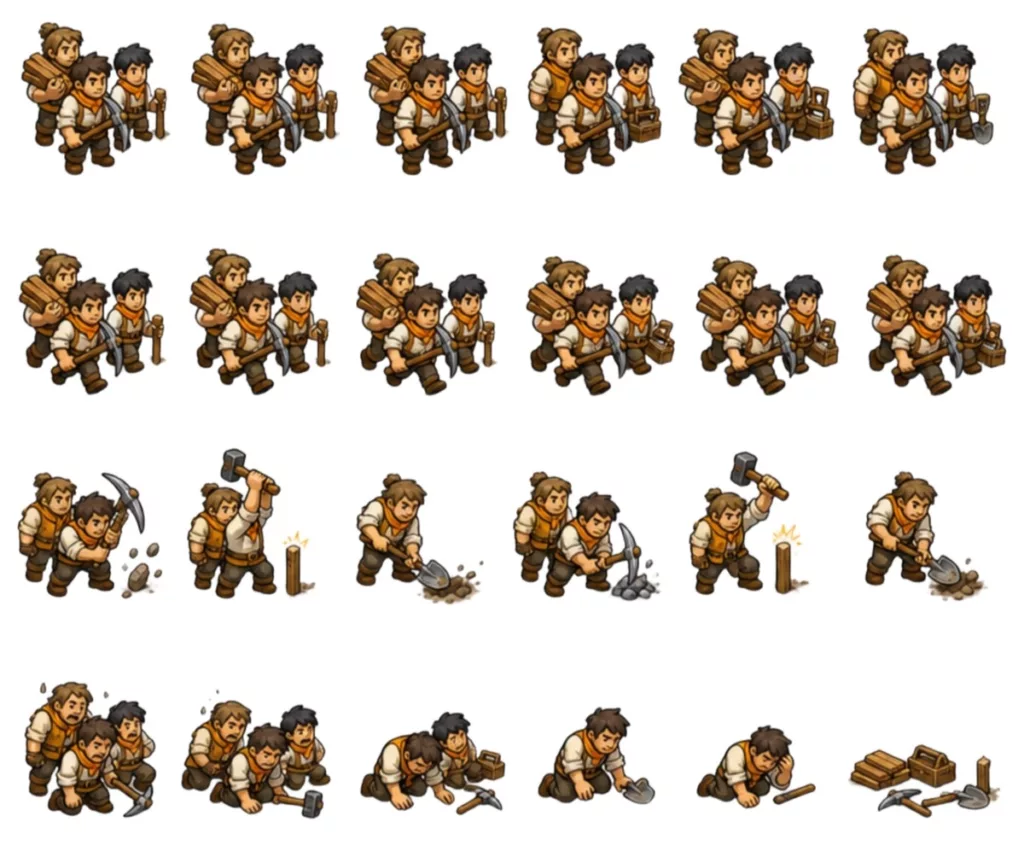
In Age of New Worlds, assets started as a practical need: I needed something visible on the screen. A unit needed an icon. A city needed a marker. The map needed terrain. The UI needed buttons that did not look like generic mobile controls.
But as the project grew, assets became part of the architecture.
Not because images are complicated by themselves, but because a game needs to load them, reuse them, cache them, scale them, connect them to domain concepts, and display them consistently across Flutter and Flame.
This post is about that layer: how I think about assets in Age of New Worlds, how they are organized, and why I try to treat them as a pipeline instead of a folder full of files.
Why Assets Need Structure
In a small prototype, it is tempting to load images directly where they are needed.
A widget needs an icon, so it references a file.
A unit needs a sprite, so the renderer loads a PNG.
A map needs an image, so the map layer reads it directly.
That works for a while.
Then the same icon appears in the HUD, a modal, an editor list, a tooltip, and a notification. Unit art needs fallback behavior. Technology icons need consistent sizing. Map images need to be loaded before the renderer builds. The server should not care about asset paths, but the client needs to translate game concepts into visuals.
At that point, asset loading becomes architecture.
The goal is simple:
domain concept -> presentation asset -> rendered UINot this:
random widget -> hardcoded file path -> maybe worksThe first version gives me a system. The second version gives me cleanup work later.
The Asset Folders
The asset folders are declared in pubspec.yaml:
flutter:
  assets:
    - assets/maps/verdantia/
    - assets/icons/
    - assets/sounds/
    - assets/sounds/music/
    - assets/sounds/nature/
    - assets/sprites/
    - assets/sprites/units/
    - assets/main_menu/
    - assets/logo.png

  shaders:
    - shaders/fog_of_war.frag
At a high level, the asset tree looks like this:
assets/
├── icons/
├── main_menu/
├── maps/
│   └── verdantia/
├── sounds/
│   ├── music/
│   └── nature/
├── sprites/
│   └── units/
└── logo.png

shaders/
└── fog_of_war.frag
Each category has a different role.
assets/maps contains playable map data and map images.assets/sprites contains visual game objects, especially units.assets/icons supports UI, actions, buildings, technologies, and symbolic game concepts.assets/sounds is for feedback and atmosphere.shaders contains rendering-specific GPU code like fog of war.
This separation matters because these assets are used by different systems.
The map renderer does not load music.
The HUD does not need raw terrain slices.
The server does not need any of these assets at all.
Assets Are Presentation, Not Domain
One rule I try to keep clear is that assets belong to presentation.
A unit in the domain should not need to know that its icon is stored in assets/sprites/units/scout.png.
The domain can know that a unit is a scout, a settler, or a warrior. The presentation layer can decide how to draw that unit.
flowchart LR
    UnitType["Unit Type"]
    Catalog["Presentation Catalog"]
    Asset["Sprite / Icon Asset"]
    UI["Flutter or Flame"]

    UnitType --> Catalog
    Catalog --> Asset
    Asset --> UI
That boundary is especially important because assets change often. I might replace a sprite, rename a file, introduce an atlas, or add a fallback icon.
None of that should change the game rules.
The domain says what exists.
The presentation layer decides what it looks like.
Game Icons
The UI has several types of icons:
- unit icons,
- building icons,
- field improvement icons,
- technology icons,
- action icons,
- resource icons,
- fallback icons.
To keep that manageable, the project has a small icon system around files like:
lib/game/presentation/widgets/theme/
├── game_icon.dart
├── game_icon_data.dart
├── game_icon_renderer.dart
├── game_icon_path_parser.dart
├── sprite_atlas_icon.dart
├── unit_sprite_icon.dart
├── city_sprite_icon.dart
├── field_improvement_sprite_icon.dart
├── building_sprite_catalog.dart
└── technology_sprite_catalog.dart
The purpose is to avoid making every widget care about image loading details.
A panel should be able to say, in effect:
GameIcon(data: iconData)It should not need to know whether that icon comes from a sprite file, an atlas region, a fallback symbol, or a catalog lookup.
That gives me room to change the asset implementation later without rewriting the HUD.
Catalogs
Catalogs are the translation layer between game concepts and assets.
For example, a building panel does not want to manually construct an image path every time it displays a building. It should ask a catalog.
Conceptually:
final icon = BuildingSpriteCatalog.iconFor(buildingType);The same idea applies to technologies, units, improvements, and city visuals.
Catalogs are small, but they are valuable because they centralize naming. Without them, file paths leak everywhere.
That leakage is easy to miss at first. A hardcoded path feels harmless:
Image.asset('assets/icons/buildings/granary.png')But once the same building appears in production, city details, notifications, tooltips, and debug screens, the hardcoded path becomes duplication.
A catalog gives the UI a stable language.
Icons Are Not Always Sprites
In a game, “icon” can mean several things.
A unit on the map is not the same as a unit icon in a city production list. A technology icon is not the same as a terrain marker. A field improvement marker is not the same as a HUD action button.
They may share source art, but they have different presentation requirements:
same concept
├── map marker
├── HUD button
├── modal list item
├── notification thumbnail
└── editor preview
This is why I try not to make the raw image file the public API.
The UI should ask for an icon appropriate to the context. The renderer should ask for a sprite appropriate to the world.
The asset file is only one part of that answer.
Caching
Images can be expensive if loaded casually.
Flutter has its own image cache, but the project also has utility code such as UiImageCache for controlling asset loading where the UI needs explicit access to image data.
The goal is not premature optimization. It is predictability.
A strategy game screen can show many repeated icons: buildings, technologies, actions, resources, unit types, warnings. If each widget independently starts loading assets, the UI becomes harder to reason about.
A cache gives the presentation layer a shared path:
flowchart LR
    Widget["Widget"]
    Cache["Image Cache"]
    AssetBundle["Flutter Asset Bundle"]
    Image["Decoded Image"]

    Widget --> Cache
    Cache --> AssetBundle
    AssetBundle --> Image
    Image --> Widget
This becomes even more important for Flame, where images may be used inside components and painters rather than ordinary Flutter widgets.
Preloading
Some assets need to be ready before the game screen becomes interactive.
That is why the game has startup/preload code around the presentation screen. The goal is to avoid the first few moments of a match feeling broken because icons, sprites, or map images are still resolving.
Conceptually, startup looks like this:
sequenceDiagram
    participant Screen
    participant Preloader
    participant Assets
    participant Renderer

    Screen->>Preloader: prepare game assets
    Preloader->>Assets: load required images / sprites
    Assets-->>Preloader: ready
    Preloader-->>Screen: continue
    Screen->>Renderer: build scene
This is one of those areas where the implementation does not need to be glamorous. It just needs to remove uncertainty from the player experience.
If the renderer builds before its assets are ready, I either need fallback rendering everywhere or I risk visual popping. Some fallback behavior is still useful, but it should be intentional.
Map Assets
Map assets are more complicated than ordinary icons because a map can include both structured data and images.
A playable map is not only a picture. It contains tile data: columns, rows, terrain, resources, height, and metadata.
But it can also have image data used by the renderer.
The editor and loader need to handle that combination:
map
├── map.json
├── optional full image
└── optional tile image slices
This is why maps are treated more like packages than single files.
The editor can save and export maps. The game can load bundled maps. The map renderer can use full-grid images or per-tile slices. The map validator can inspect structured tile data without caring about the image.
That separation is useful:
flowchart TB
    MapJson["map.json"]
    MapImage["map image / tile slices"]
    Loader["Map Loader"]
    Renderer["Map Renderer"]
    Validator["Map Validator"]

    MapJson --> Loader
    MapJson --> Validator
    MapImage --> Renderer
    Loader --> Renderer
The JSON defines the playable world. The images define how that world is presented.
Shaders as Assets
The fog of war shader is also part of the asset pipeline:
shaders:
  - shaders/fog_of_war.frag
This is a different kind of asset. It is not an image, but it is still presentation data loaded by the client.
The fog system itself is domain logic: which tiles are hidden, discovered, or visible. The shader is only how that visibility becomes a visual overlay.
That distinction is the same pattern again:
visibility state -> presentation shader -> rendered fogThe asset makes the result look better, but it does not decide what the player can see.
Sound Assets
Sound has a similar boundary.
A command may produce an event. The UI may respond with a notification, animation, or sound. But the sound itself is not the rule.
audioplayers gives the project a way to play music, nature ambience, and feedback effects from assets like:
assets/sounds/
├── music/
└── nature/
The important part is keeping audio as feedback.
A city finishing production can trigger a sound.
A unit moving can trigger a sound.
A warning can trigger a sound.
But none of those sounds should change game state.
Fallbacks
Fallbacks are not just a defensive coding trick. They are part of iteration.
While building a game, assets are constantly incomplete. Some units may not have final sprites. A technology may not have art yet. A building icon may be missing. A new action may exist before its final visual design.
If missing art breaks the UI, development slows down.
So the asset system needs graceful fallback behavior:
requested asset
├── exists -> render it
└── missing -> render fallback
A fallback can be a generic icon, a colored marker, initials, or a simple symbolic shape. The player should not see missing assets in a released build, but the developer should not be blocked while prototyping a new mechanic.
This is especially useful in a 4X game, where mechanics often arrive before final art.
Asset Names Are Contracts
One thing I learned quickly is that asset names become contracts.
If a unit type maps to a sprite by name, then changing the file name is no longer a harmless file operation. It can break UI, rendering, editor previews, tests, or generated catalogs.
That is another reason to avoid scattering file paths.
A catalog gives me one place to update the mapping. Tests can verify the mapping. The UI can stay stable.
domain id -> catalog key -> asset pathThis also makes it easier to support aliases, migrations, and temporary art.
Assets and the Map Editor
The map editor is where the asset pipeline becomes very practical.
The editor needs to:
- load existing maps,
- display map images,
- allow image replacement,
- save local map data,
- export maps,
- include images in exported packages,
- support tile slices,
- validate playable terrain.
That means assets are not only consumed by the game. They are created and transformed by developer tools.
This is why I do not think of the editor as separate from the asset pipeline. It is one of the main tools that produces asset-backed game content.
Why This Matters for Architecture
The asset pipeline touches many parts of the game:
flowchart TB
    Assets["Assets"]
    Catalogs["Catalogs"]
    Cache["Caches"]
    Flutter["Flutter UI"]
    Flame["Flame Renderer"]
    Editor["Map Editor"]
    Audio["Audio Feedback"]

    Assets --> Catalogs
    Assets --> Cache
    Catalogs --> Flutter
    Catalogs --> Flame
    Cache --> Flutter
    Cache --> Flame
    Assets --> Editor
    Assets --> Audio
That is why I try to keep assets behind presentation services, catalogs, and loaders.
The alternative is a game where every widget and renderer component knows a little too much about files.
That might work for a prototype, but it becomes fragile as soon as the game grows.
What I Would Improve Next
The current asset pipeline is practical, but there is room to improve it.
I would like asset validation to become stricter. If a catalog references an image that does not exist, I want to know early. If a map package is missing a required file, the editor should report that clearly. If an icon falls back too often, that should be visible during development.
I also want to keep improving the difference between:
- raw assets,
- catalog entries,
- presentation icons,
- Flame sprites,
- editor previews.
Those are related, but they are not the same thing.
The more explicit that pipeline becomes, the easier it is to add content without making the UI brittle.
The Lesson
Assets look simple from the outside. They are just files.
But in a strategy game, assets become a language. They connect domain concepts to what the player actually sees and hears.
A unit type becomes a sprite.
A technology becomes an icon.
A city becomes a marker.
A tile becomes terrain.
A turn event becomes feedback.
A visibility state becomes fog.
That translation layer deserves structure.
For Age of New Worlds, the asset pipeline is still evolving, but the direction is clear: assets should be loaded predictably, named deliberately, cached when needed, and kept out of the domain model.
The game rules should not know where the art lives.
The player should simply see a world that feels coherent.
Leave a Reply